Pokémon TCG Pocket brings the excitement of Pokémon cards to your mobile device, allowing players in 89 countries to collect and enjoy cards anytime, anywhere. Open two booster packs daily for both classic and…
- Requires: Android 7.0+
- Version 1.7.5
Information
- Version
- 1.7.5
- Size
- 756.47 MB
- Updated
- Oct 6, 2026
- Category
- Card
- Requires
- Android 7.0+
- Google Play
- jp.pokemon.pokemontcgp
Description
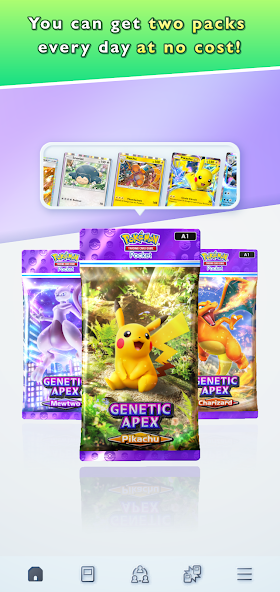
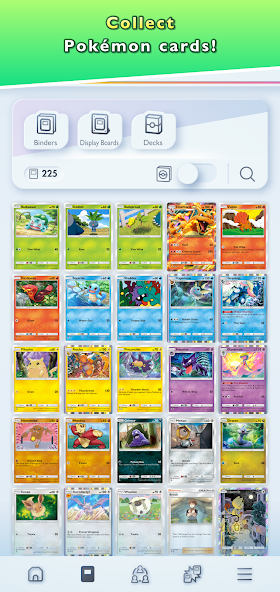
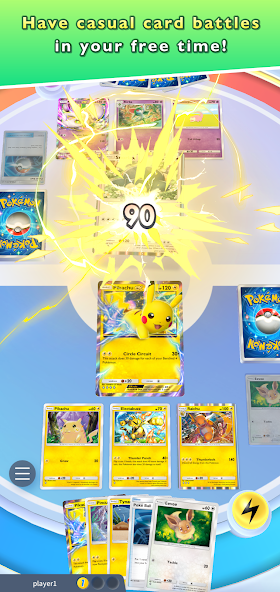
Pokémon TCG Pocket brings the excitement of Pokémon cards to your mobile device, allowing players in 89 countries to collect and enjoy cards anytime, anywhere. Open two booster packs daily for both classic and exclusive new cards, including immersive 3D cards that enhance the gaming experience. Showcase your collection using binders or display boards, and engage in casual battles solo or with friends during quick breaks. The app offers a fun and accessible way to connect with the beloved world of Pokémon cards
Pokemon TCG Pocket: Collect and Battle with Pokémon Cards
Pokémon TCG Pocket is a mobile card game that brings the thrill of trading and collecting Pokémon cards to your Android device. Players from 89 countries can access a vast card collection, including both classic and exclusive new cards. The app features immersive 3D card visuals, making each card feel dynamic and engaging.
Whether you're a seasoned collector or new to the Pokémon world, this app offers a seamless way to build your deck, showcase your cards, and compete in casual battles. The daily booster packs provide fresh content, while the ability to connect with friends adds a social layer to the experience.
Key Highlights of Pokemon TCG Pocket
- Collect cards from 89 countries with daily booster packs for classic and new sets
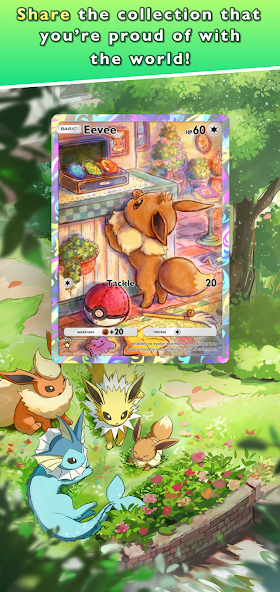
- Immersive 3D card visuals enhance the trading card experience
- Showcase your collection using virtual binders or display boards
- Compete in solo or multiplayer battles during quick breaks
- Access a vast library of Pokémon cards with easy-to-use navigation
Screenshots

How to install
- Download the APK file above to your phone.
- Allow “Install unknown apps” when prompted.
- Open the downloaded APK and tap Install.
- If the package includes OBB/XAPK data, follow the bundled instructions.
MOD APKs are modified builds, so Play Protect may show a warning. Install only if you trust the file; use at your own risk.