

aPS3e is a fully native PS3 emulator tailored for Android devices, allowing users to experience classic and popular PS3 titles on their mobile hardware. While the emulator can run a wide range of games, performance may…
- 必要環境: Android 9+
- バージョン 2.43
情報
- バージョン
- 2.43
- サイズ
- 38.71 MB
- 更新日
- 2026年10月6日
- カテゴリ
- シミュレーション
- 必要環境
- Android 9+
- Google Play
- aenu.aps3e
説明
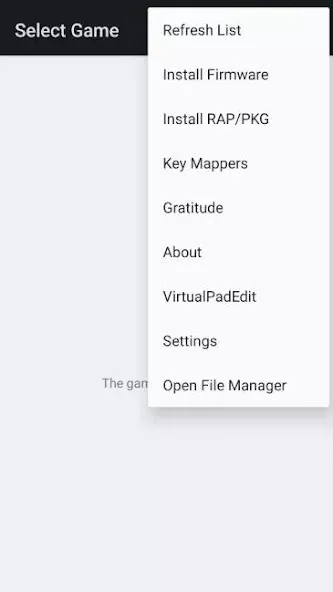
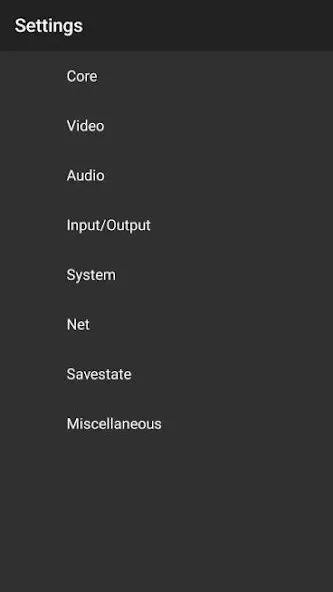
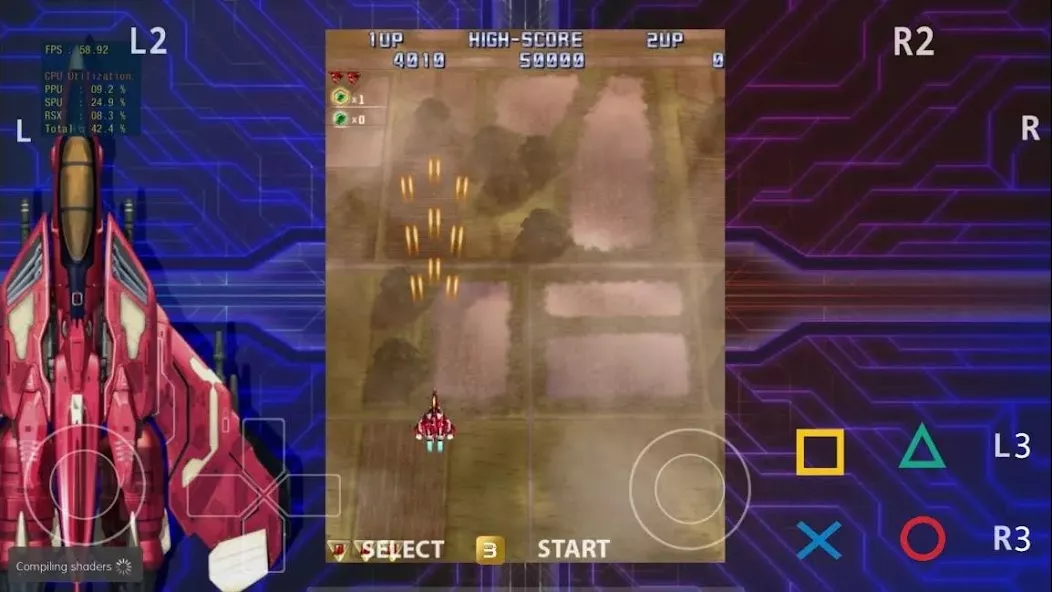
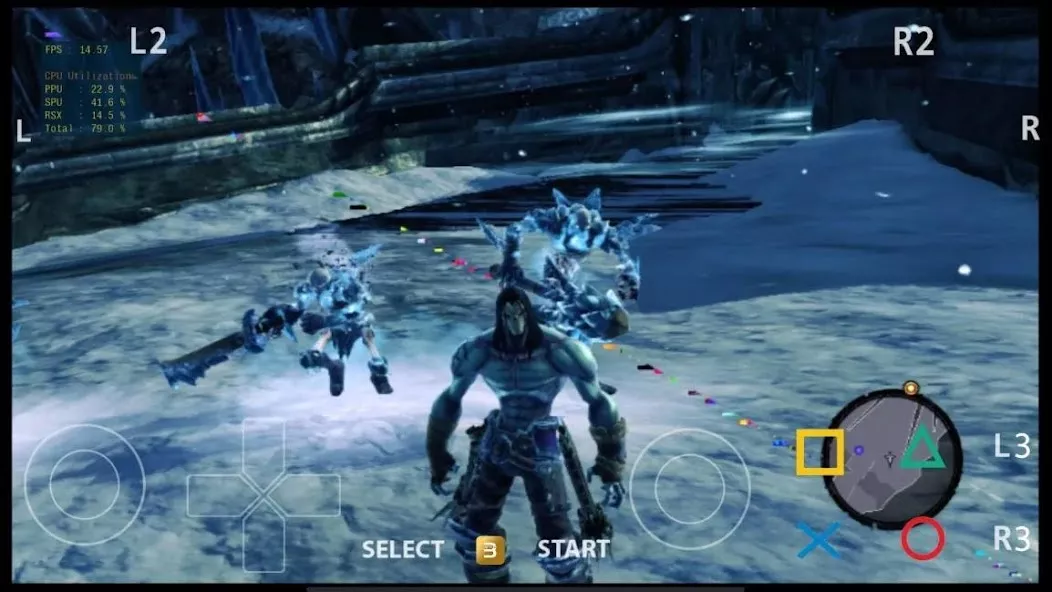
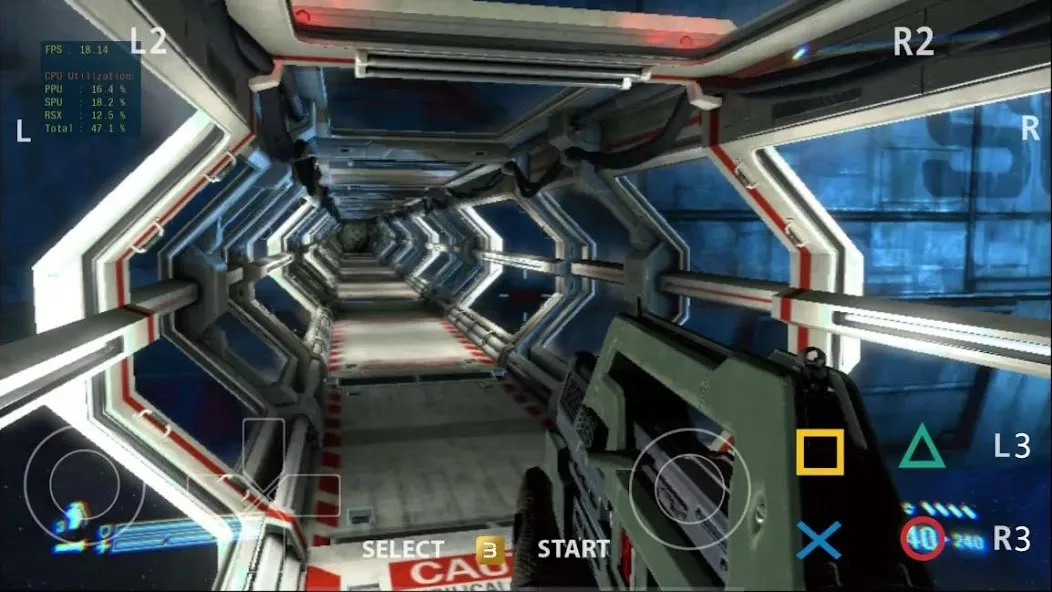
aPS3e is a fully native PS3 emulator tailored for Android devices, allowing users to experience classic and popular PS3 titles on their mobile hardware. While the emulator can run a wide range of games, performance may vary depending on the device's specifications. Developed using the RPCS3 codebase, aPS3e is optimized for Android but remains in active development, which means not all titles will be fully compatible. Users must supply their own PS3 game files in PKG format, as the app does not include any built-in games. The emulator requires Android 9 or a newer version, Vulkan support, and a device with arm64 architecture.
aPS3e: PS3 Emulator for Android Devices
aPS3e is a native PS3 emulator designed for Android users, enabling them to play classic PS3 games on their mobile devices. Built on the RPCS3 codebase, it offers optimized performance for Android but requires users to provide their own PS3 game files in PKG format. While it supports a wide range of titles, compatibility may vary based on device specs and ongoing development progress.
- Native Android PS3 emulator using RPCS3 codebase
- Requires PKG-formatted game files (no built-in games)
- Optimized for Android 9+ with Vulkan support
- arm64 architecture required for compatibility
Essential Features and System Requirements
The emulator balances performance and compatibility, though some titles may not work perfectly due to active development. Users must ensure their Android device meets the minimum requirements, including Vulkan support and arm64 architecture, for the best experience. Regular updates may improve compatibility as the project evolves.
- Active development with potential compatibility improvements
- No built-in games - user-supplied PKG files needed
- Requires Android 9 or newer with Vulkan support
- Performance depends on device hardware specifications
スクリーンショット
インストール方法
- 上のAPKファイルをスマートフォンにダウンロードします。
- 確認が表示されたら「不明なアプリのインストール」を許可します。
- ダウンロードしたAPKを開き「インストール」をタップします。
- OBB/XAPKデータが含まれる場合は、同梱の手順に従ってください。
MOD APKは改変版のため、Play Protectが警告を表示することがあります。ファイルを信頼できる場合のみ、自己責任でインストールしてください。
こちらもおすすめ
すべて見る → aPS3e Premiumプレミアム
2026年10月6日v2.4332.01 MB
aPS3e Premiumプレミアム
2026年10月6日v2.4332.01 MB House Flipper: Home Design無制限のお金(Unlimited Money)
2026年10月6日v1.694539.45 MB
House Flipper: Home Design無制限のお金(Unlimited Money)
2026年10月6日v1.694539.45 MB Bus Masters: India Simulator無制限のお金(Unlimited Money)
2026年10月6日v2026.1.7486.97 MB
Bus Masters: India Simulator無制限のお金(Unlimited Money)
2026年10月6日v2026.1.7486.97 MB My Car My Lifeシミュレーション
2026年10月6日v1.0.9003302.0 MB
My Car My Lifeシミュレーション
2026年10月6日v1.0.9003302.0 MB Nextbots In Playgroundコイン無制限
2026年10月6日v13.7.0745.6 MB
Nextbots In Playgroundコイン無制限
2026年10月6日v13.7.0745.6 MB Herex Simulator Indonesia Maxコイン無制限
2026年10月6日v1.0.1025475.32 MB
Herex Simulator Indonesia Maxコイン無制限
2026年10月6日v1.0.1025475.32 MB